

2 Mar 2026
Production Orders and Job Orders: What Actually Goes to the Shop Floor
One customer order, one production order, three job orders, two machines. Follow 500 brackets to the shop floor and learn when to split, combine and release jobs.
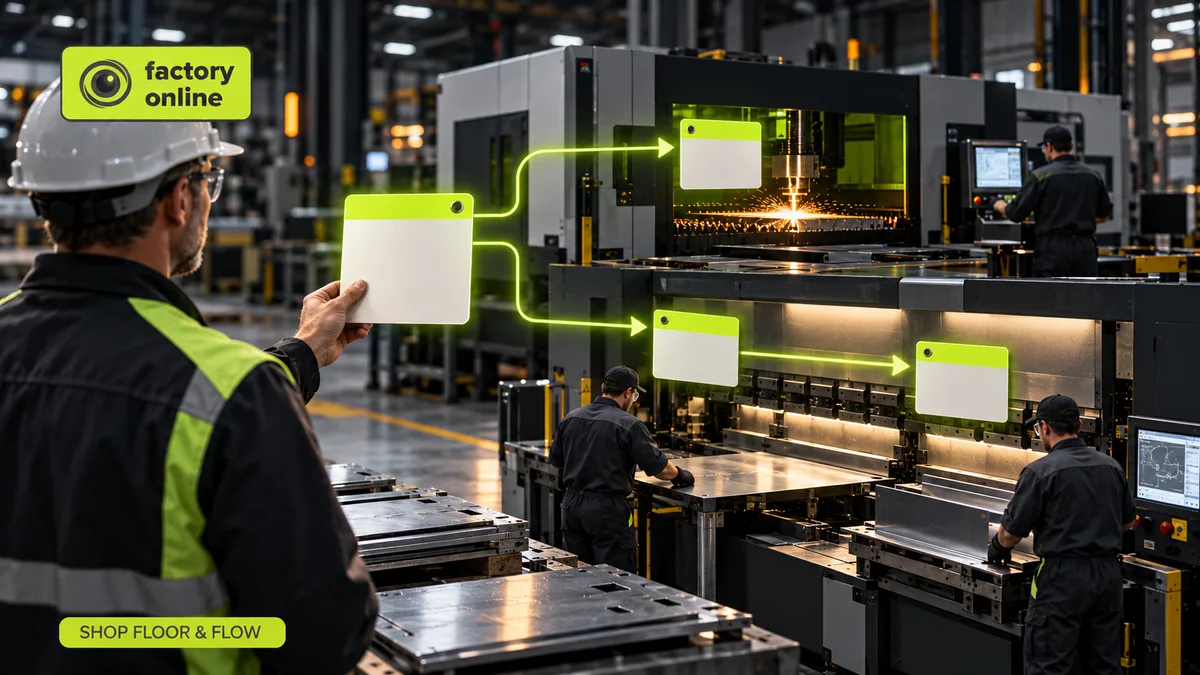
A customer orders 500 steel brackets for delivery next Friday. By Wednesday afternoon that single order has turned into three pieces of paper on the shop floor: one at the laser cutter, two at the press brake. The operators never see the customer order. They see job orders.
Why three, and why two of them for the same machine? Because the office and the shop floor speak different languages. Production orders say what to make and by when. Job orders say what one machine or team should do, in which time slot, so an operator can start it and report it done. Getting from one to the other is one of the quietest and most important jobs a planner has.
Sales order, production order, job order: the chain
Think of a restaurant. The guest's order is the sales order. The kitchen doesn't cook "table 12". The chef turns it into tickets for each station: grill, salad, dessert. Each cook works from their own ticket and calls it done.
In a factory, the chain looks like this:
- Sales order: 500 brackets for customer X, due Friday. This is what was promised. How a planner checks that promise is covered in sales orders to production.
- Production order (also called manufacturing order): make 500 brackets by Friday noon, using this bill of materials and this routing. It reserves material and carries the cost.
- Job orders: the routing broken into pieces of work for specific resources and time windows. Each has a quantity, a start, a machine and a way to confirm output and scrap.
One production order can feed several customer orders, and one production order almost always creates several job orders.
A worked example: 500 brackets, three jobs, two machines
The routing has two operations:
- Laser cutting: 0.5 minutes per bracket.
- Bending on the press brake: 1 minute per bracket.
Cutting 500 brackets takes 250 minutes, a little over 4 hours. The laser is free Wednesday afternoon, so that becomes job order 1: cut 500, Wednesday.
Bending takes 500 minutes, about 8 hours 20 minutes. But the press brake has only 5 hours free on Thursday; the rest of the day belongs to another customer. Five hours at 1 minute per bracket is 300 brackets. So:
- Job order 2: bend 300, Thursday, 5 hours.
- Job order 3: bend 200, Friday morning, 3 hours 20 minutes.
Check: 300 + 200 = 500 brackets, 300 + 200 = 500 minutes. The first 300 can be packed Thursday and the last 200 ship Friday afternoon. One customer order, one production order, three job orders, two machines.
When to split a job and when to combine
Split when:
- the machine's free window is shorter than the job, as above;
- the next operation can start on a partial quantity, so the first 300 move on while the rest are still being bent;
- part of the quantity is needed earlier by a different customer.
Combine (aggregate) when several production orders need the same setup. Say three orders need the same bracket: 120, 80 and 200 pieces. Cut them as one job of 400 and the laser changes over once instead of three times. At 20 minutes a setup, that saves 40 minutes. The catch: after the job is done, you must still know which pieces belong to which order, especially if one of them is short or scrapped.
Which job runs next at each machine is a separate decision, covered in dispatching.
Myth: releasing work early gives the floor a head start
It feels safe to print every job order for the next two weeks and let the floor get going. In practice it slows everything down.
Say the press brake finishes 10 jobs a day. Release 30 jobs and each new one waits about 3 days before its turn. Release 60 and the wait becomes about 6 days. The machine doesn't work any faster; the queue just gets longer, and lead time grows with it. This is Little's Law: lead time equals work in progress divided by throughput.
Early release does other damage too. Operators cherry-pick easy jobs. Material gets pulled for work that won't run for a week. And when the customer changes the order, there are printed jobs and half-cut parts to chase. Release a job when its material is on hand and its machine is about to be free, not when it first appears in the plan.
Who owns what
In many plants the ERP owns the production order and the planning system owns the job orders and their sequence. That split works well if everyone knows where each record lives, which is the subject of ERP integration for production planning. In assembly, job orders for subassemblies have to finish before the final build, a timing problem explored in assembly planning.
How it looks in factory.online
In factory.online, the sales order for 500 brackets creates manufacturing demand, the manufacturing order carries the BOM and routing, and job orders appear on the Gantt as blocks on the laser and the press brake. The planner can see that job orders 2 and 3 belong to the same order, combine the 120, 80 and 200 cutting jobs into one aggregated job order, and watch output and scrap confirmations come back against each job.
If your shop floor still runs on printed lists that are out of date by lunch, book a demo and we'll walk one of your orders from sales order to job order.