

25 May 2026
Production Scheduling: Why Sorting by Due Date Gives You a Late Schedule
Three orders want the same machine on Thursday afternoon, and sorting by due date makes one late. Learn forward vs backward scheduling, finite capacity and the frozen zone.
It's Wednesday. Three orders want the same CNC machine on Thursday afternoon. The planner sorts them by due date, earliest first, because that feels fair and obvious. By Friday, one of them is heading for three days late. Nobody was slow. The sort was wrong.
Production scheduling is deciding exactly when each operation of each order runs, on which machine and in what sequence, within the capacity the plant really has. Planning decides what and how much for the coming weeks; scheduling decides which machine, which hour. If that line is still blurry, production planning vs scheduling untangles it.
Forward vs backward scheduling
Take one order, #1042, with three operations: saw (1 day), CNC (2 days), inspect and pack (1 day). Material is on site Monday morning. The customer wants it Friday evening.
Forward scheduling starts at the earliest possible date and moves ahead: saw Monday, CNC Tuesday and Wednesday, inspect Thursday. Done Thursday evening, one day early. Forward scheduling answers "when can it be ready at the earliest?"
Backward scheduling starts at the due date and moves back: inspect Friday, CNC Wednesday and Thursday, saw Tuesday. Start Tuesday. Backward scheduling answers "when must it start at the latest?" It keeps work in progress low, because nothing starts earlier than needed.
The gap between the two, one day here, is the order's slack. An order with five days of slack can wait. An order with zero slack can't wait an hour.
The risk of backward scheduling: every order starts at its last possible moment, so the first hiccup makes it late. Most schedulers find the latest start, then pull work a little earlier where capacity is free.
Why sorting by due date gives you a late schedule
Back to Thursday. The CNC is free from 13:00 and runs two shifts, until 21:00. Three orders are waiting:
- A: 3 h on the CNC, then 1 h packing. Due Friday 12:00.
- B: 2 h on the CNC, then 2 h inspection. Due Friday 14:00.
- C: 3 h on the CNC, then heat treatment. The furnace loads once a day at 18:00 and runs overnight; C is ground and shipped Friday. Due Friday 16:00.
Sorted by due date (A, B, C): A runs 13:00–16:00, B 16:00–18:00, C 18:00–21:00. C misses the 18:00 furnace load. The next load is Friday 18:00, and with no weekend shift, C ships Monday: three days late.
Sorted by latest start (backward scheduled): C must be off the CNC by 18:00, so its latest start is 15:00. A only has to leave the CNC by Friday 11:00, and B by Friday 12:00. Sequence: C 13:00–16:00, A 16:00–19:00, B 19:00–21:00. All three ship on time.
Same machine, same hours, same orders. The due date tells you when the customer needs the order. It doesn't tell you when this machine has to be done with it. That depends on everything downstream, and only backward scheduling through the whole route reveals it. It's also why manufacturing lead time is mostly waiting: C's real risk was never the CNC. It was the furnace queue.
Finite vs infinite capacity scheduling
MRP and many ERP systems schedule with infinite capacity: they assume a machine can take whatever is loaded onto it. Ask an infinite-capacity schedule about Thursday and it starts A, B and C all at 13:00, side by side, as if the CNC could cut three parts at once. Eight hours of work land in the three hours between 13:00 and 16:00. Every order shows as on time. None of them is.
Finite capacity scheduling only places an operation where the machine calendar has room, after shifts, breaks, maintenance and already-booked work. If Thursday is full, the operation moves to the next free slot, and the due date check tells you plainly that the order will be late.
Think of the difference between a to-do list and a calendar. A to-do list accepts 40 tasks for Monday. A calendar has eight hours.
Finite scheduling also has to respect more than hours:
- Sequence-dependent setups. Running white after black can take far longer than black after white; see changeover optimization.
- Material. An operation can't start before its components arrive, however free the machine is.
A finite schedule is less comfortable to look at, because it shows lateness early. That's the point. Lateness found on Wednesday is a conversation with the customer. Found on Friday afternoon, it's an apology.
The frozen zone: why you shouldn't reschedule everything
A good schedule changes. A schedule that changes every hour is useless. Operators prepare tooling, material gets staged, the setup crew plans its shift. If the sequence flips at 06:45, all of that is wasted.
Airlines solved this long ago. You can change your seat freely weeks before departure, with some limits a few days before, and not at all at the gate. Nobody reshuffles 180 passengers at boarding because one of them wants a window.
Schedulers use the same three zones:
- Frozen (typically the next one or two shifts, sometimes days): no changes unless a named person approves. A breakdown, a quality hold or a missing component qualifies; a sales call usually doesn't.
- Slushy (roughly the next week): sequence changes are allowed if material and capacity check out.
- Liquid (beyond that): anything can move. This is where new orders are slotted in.
Long setups and material staging call for a longer frozen zone; a flexible assembly cell can live with a few hours.
Myth: rescheduling more often gives a better schedule
Every change inside the frozen zone carries hidden costs: new setups, material moved twice, and operators who stop trusting the list. The schedule looks better on screen and runs worse on the floor.
The fix is a rule, not a smarter algorithm: reschedule the liquid zone as often as you like, the slushy zone once a day, and the frozen zone only by exception.
Where job shops and dispatching come in
The hard part differs by plant. On flow lines (cable, extrusion, food), it's sequencing to cut changeovers. In job shops, every job has its own route through shared machines and queue time dominates. And everywhere, someone at the machine still picks the next job when reality drifts from the plan. That's dispatching, with its own rules.
How it looks in factory.online
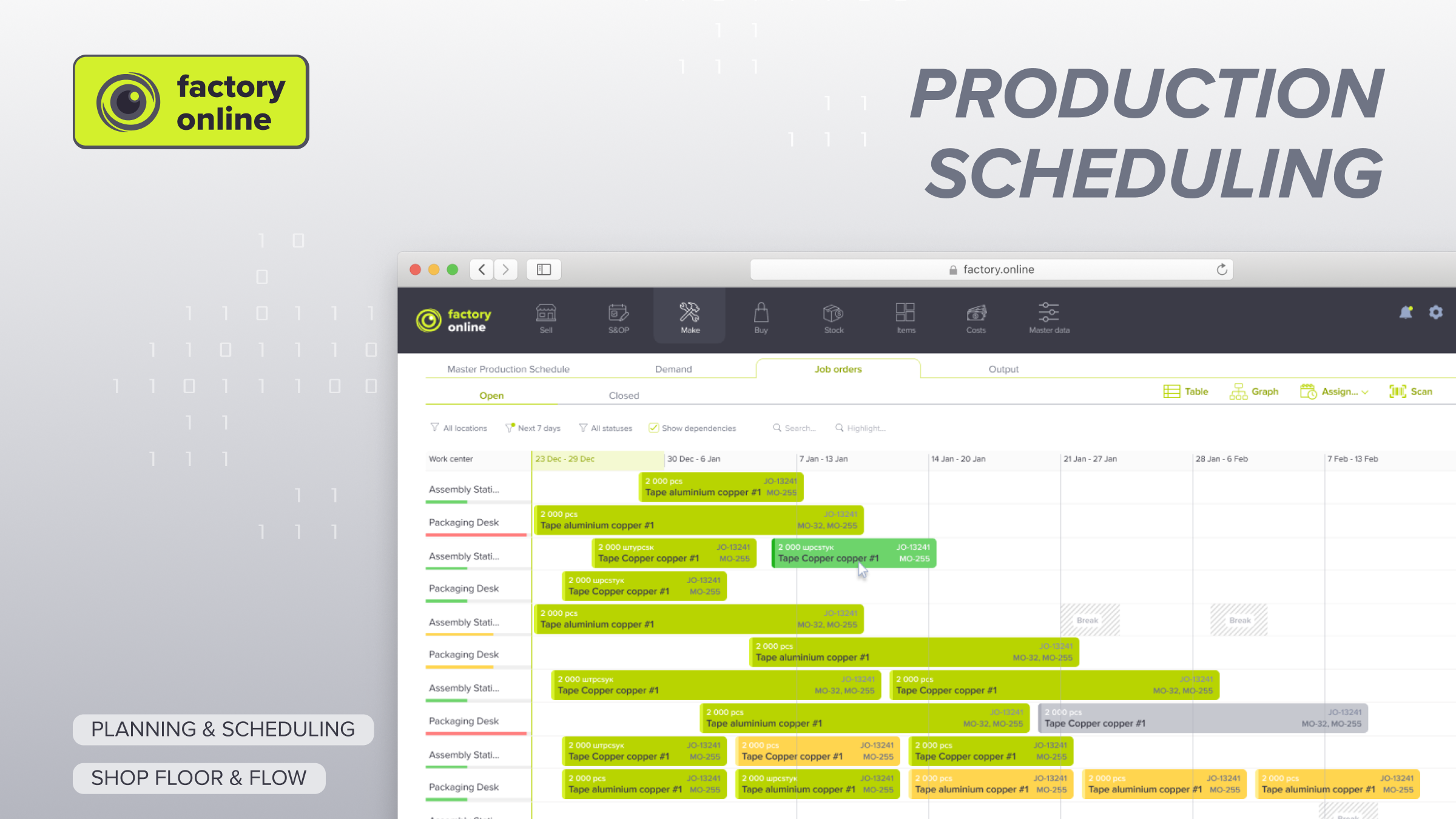
In factory.online, the planner sees A, B and C as bars on the CNC row of the Gantt chart, scheduled with finite capacity against the machine calendar, and C's heat treatment operation sits on the furnace row. If C slips past the furnace load, its finish moves past the due date and the order shows as late before anyone has cut a part. A planning scenario lets you try the other sequence and compare delivery dates before the job orders are released.
If your Thursday afternoons look like this, book a demo and we'll schedule one of your real weeks.